You haven't signed in yet, you can have a better experience after signing in
*Please complete the payment within {{receiveCouponInfo.expire_at}}Previous use*
You haven't signed in yet, you can have a better experience after signing in


Activity Rules
1、Activity time:{{ info.groupon.start_at }} ~ {{ info.groupon.end_at }}。
1、Activity time:cease when sold out。
2、Validity period of the Group Buying:{{ info.groupon.expire_days * 24 }} hours。
3、Number of Group Buying:{{ info.groupon.need_count }}x。
Please Pay Attention
1、Teamwork process: Join/initiate a Group Buying and make a successful payment - Within the validity period, the number of team members meets the activity requirements - Group Buying succeeded!
2、If the number of participants cannot be met within the valid period, the group will fail, and the paid amount will be refunded in the original way.
3、The number of people required and the time of the event may vary among different products. Please pay attention to the rules of the event.
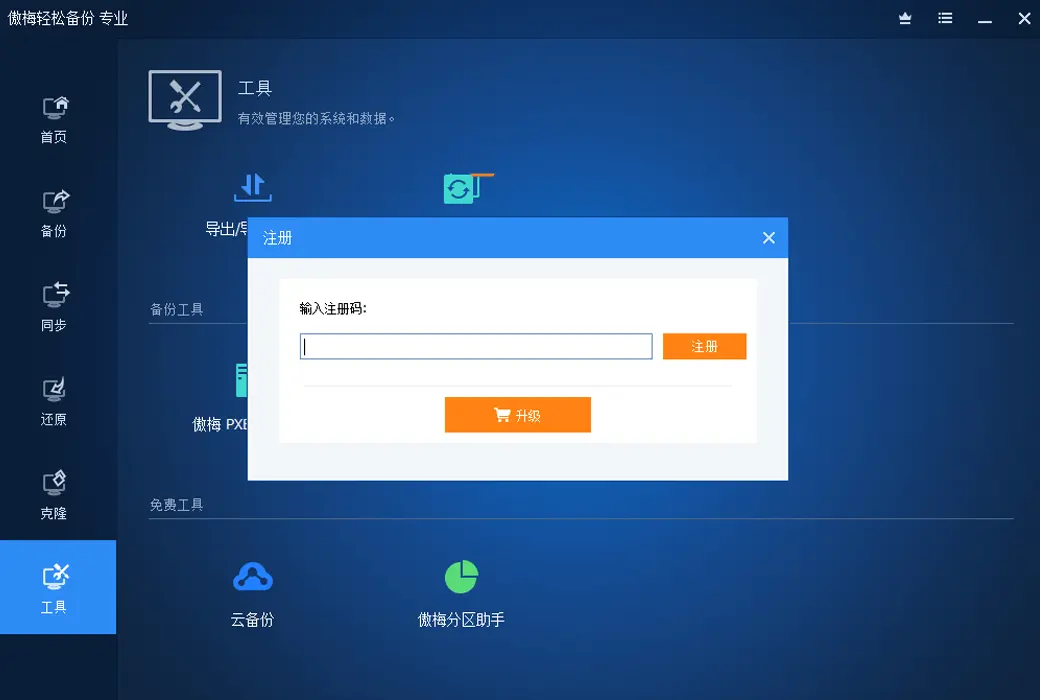
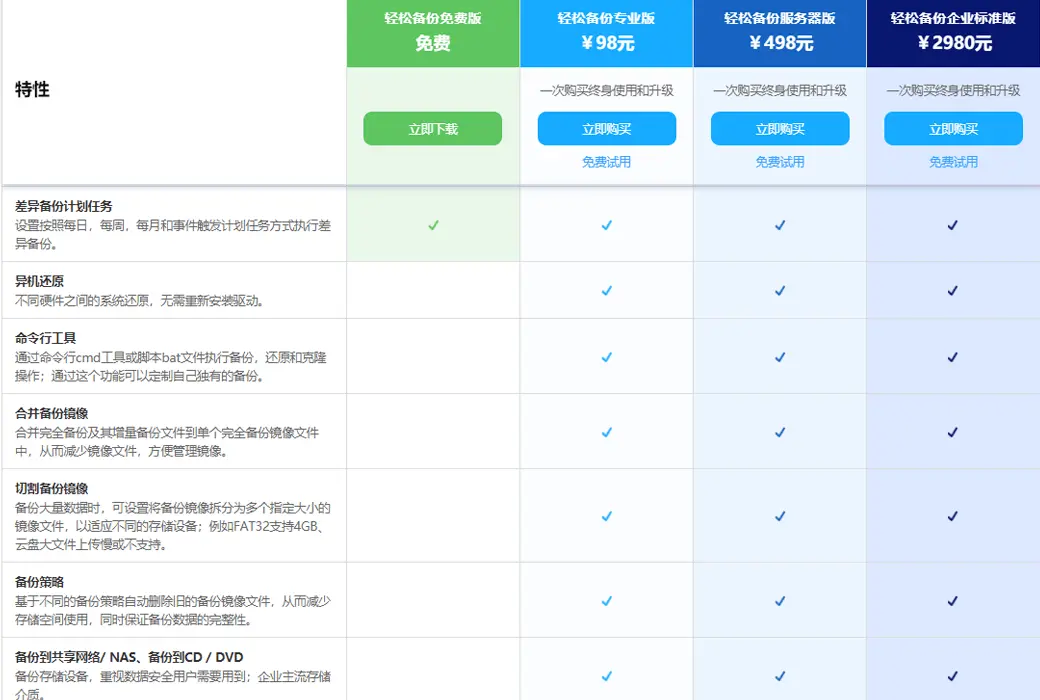
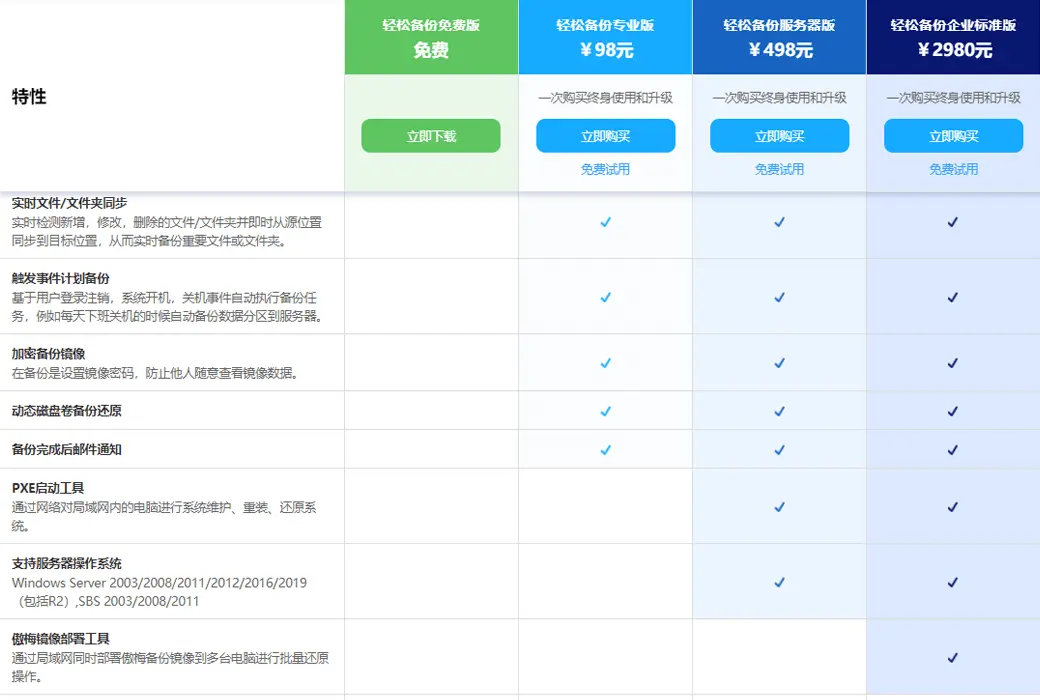
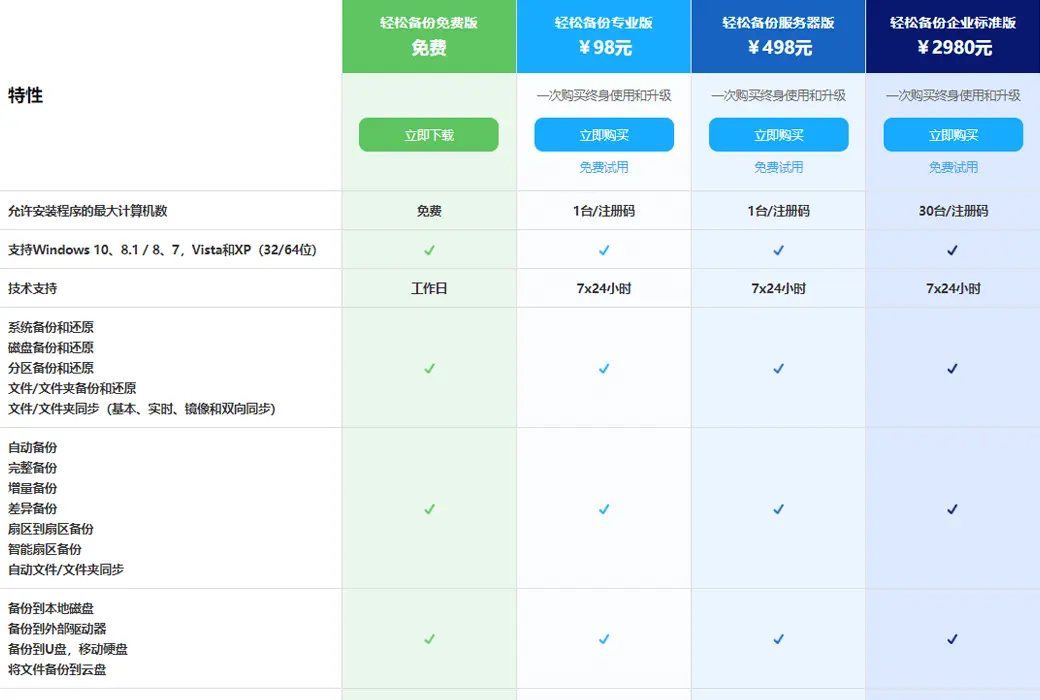
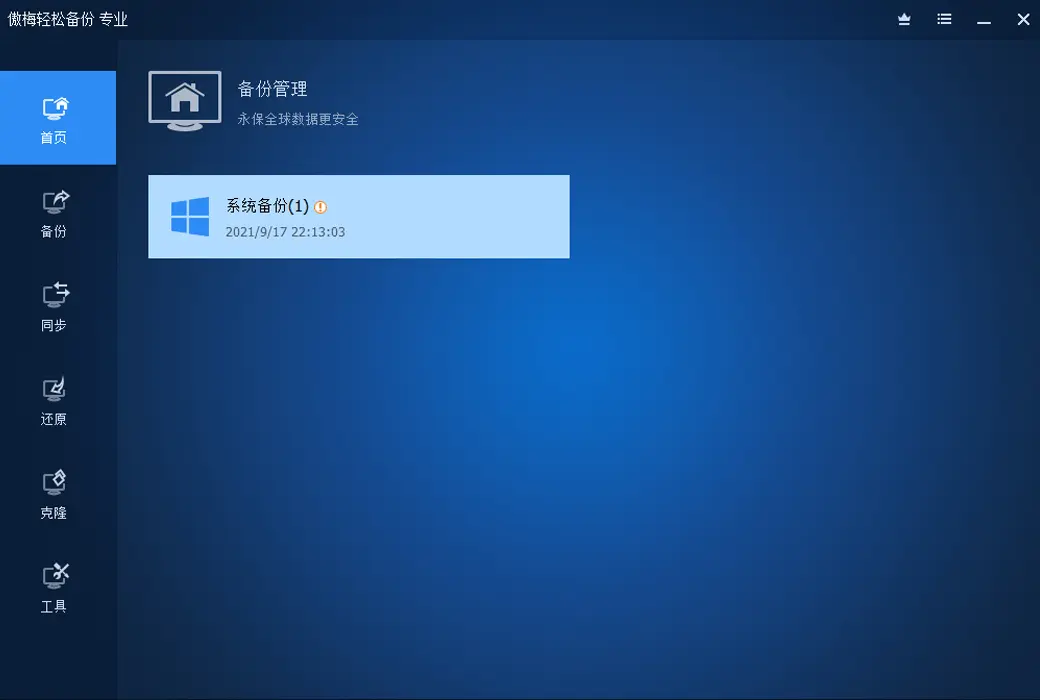
Easy Backup Professional Edition ensures easy protection of your computer data
Is important data lost and cannot be recovered? The computer system has been used for a long time. too laggy? Is the computer system unable to start? Solving these problems is the specialty of Easy Backup Professional Edition.
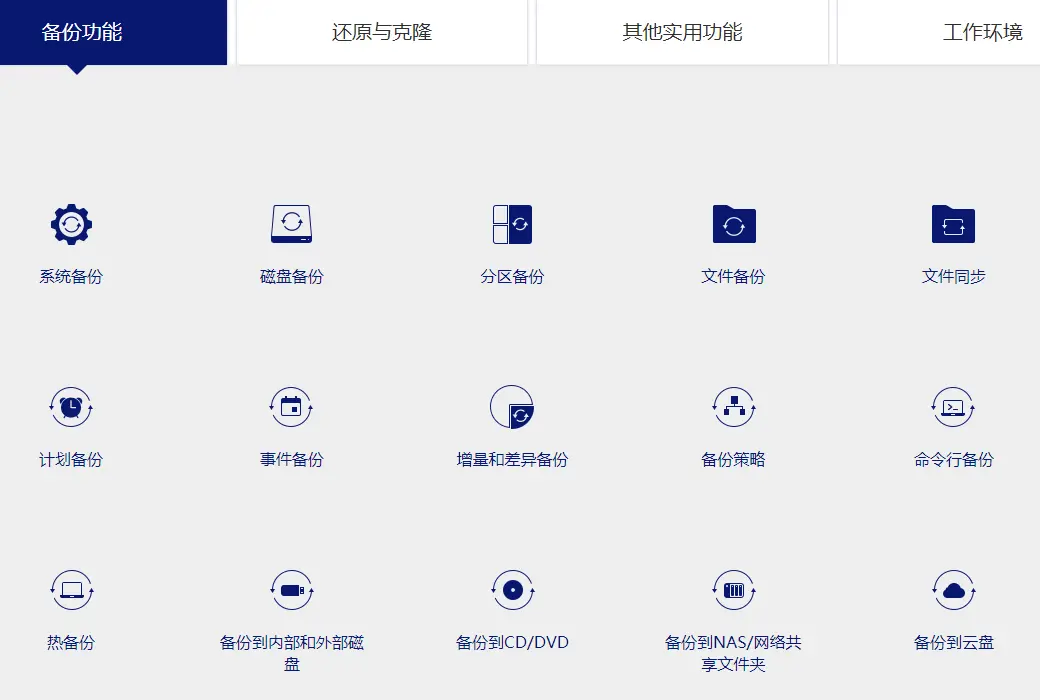
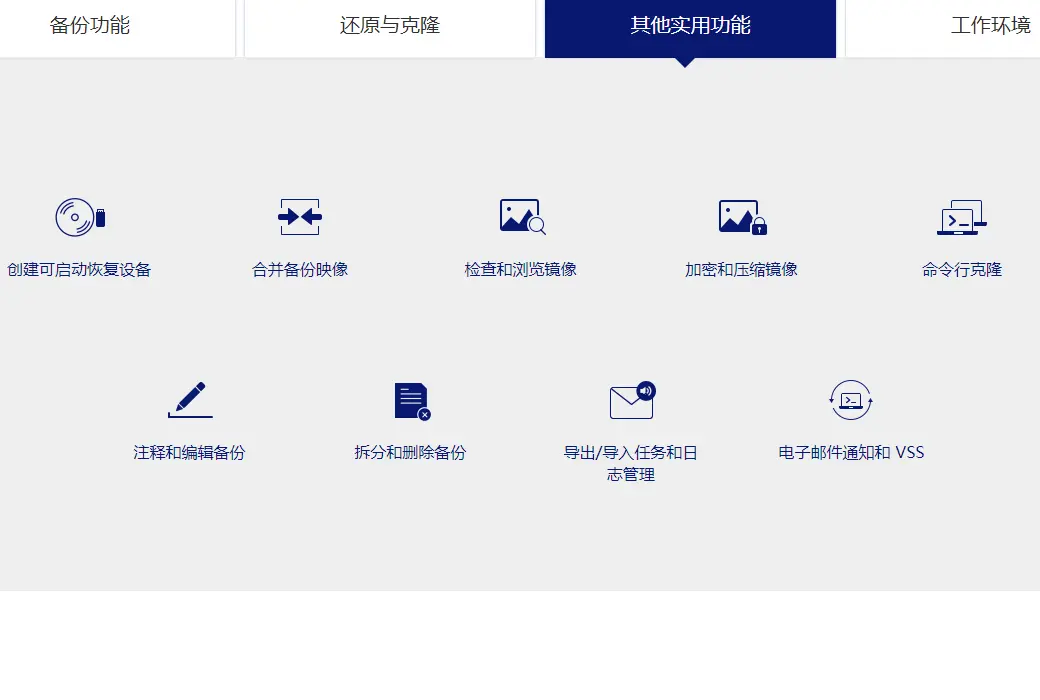
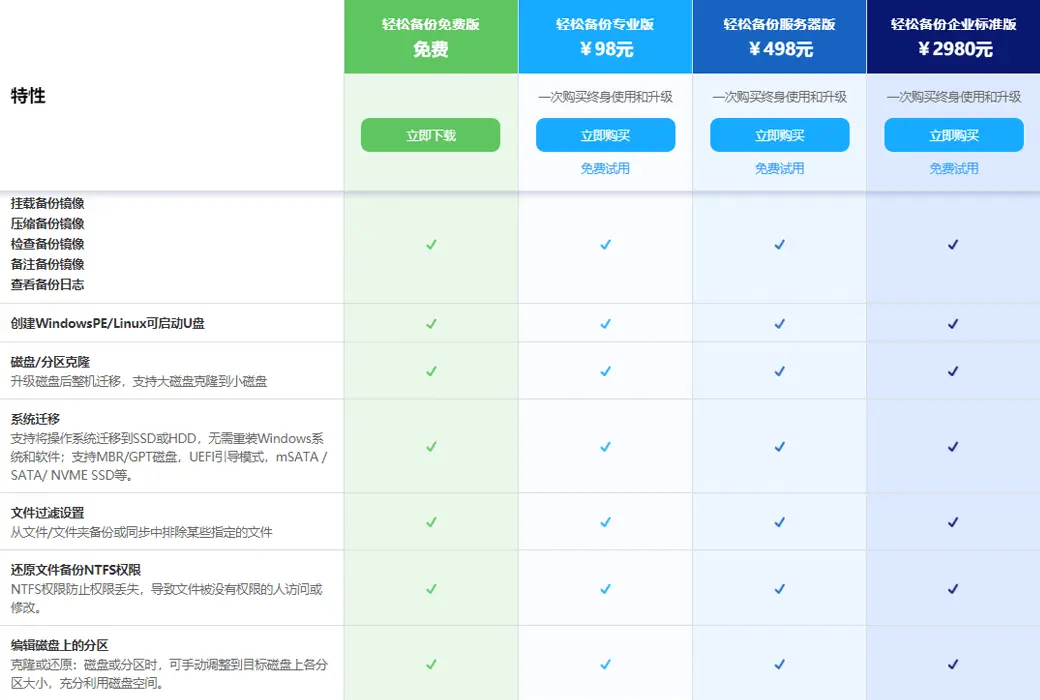
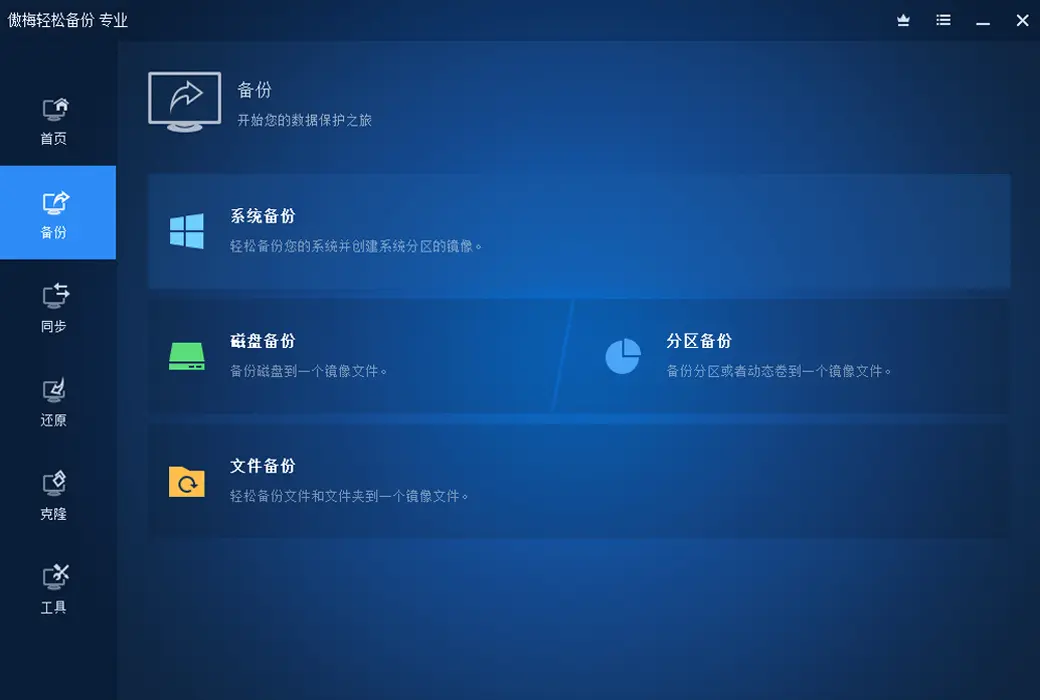
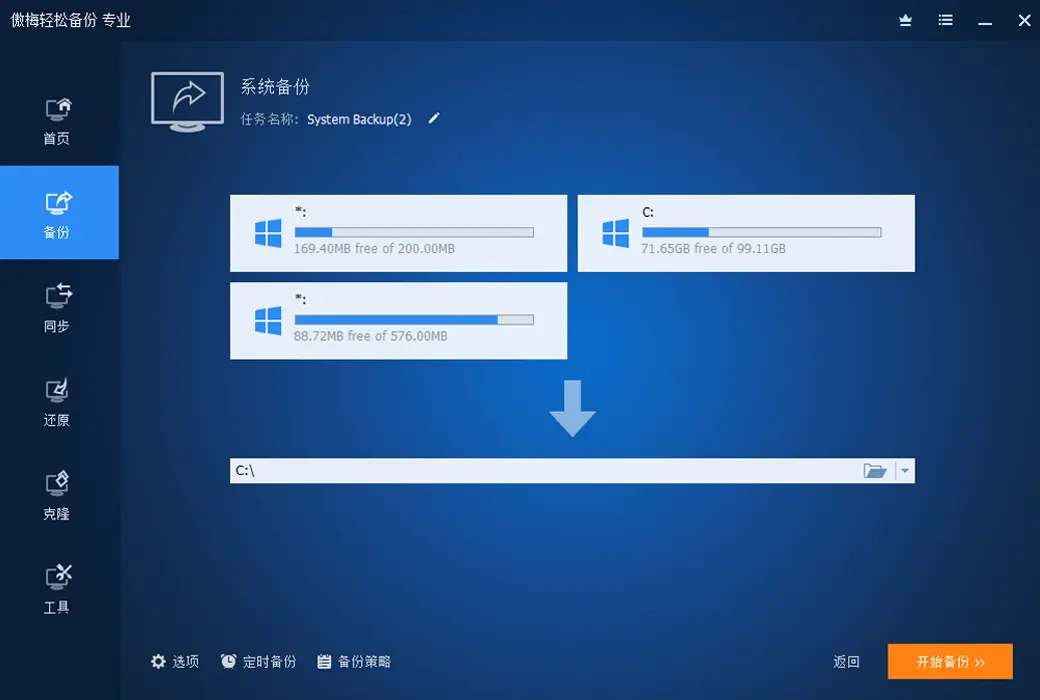
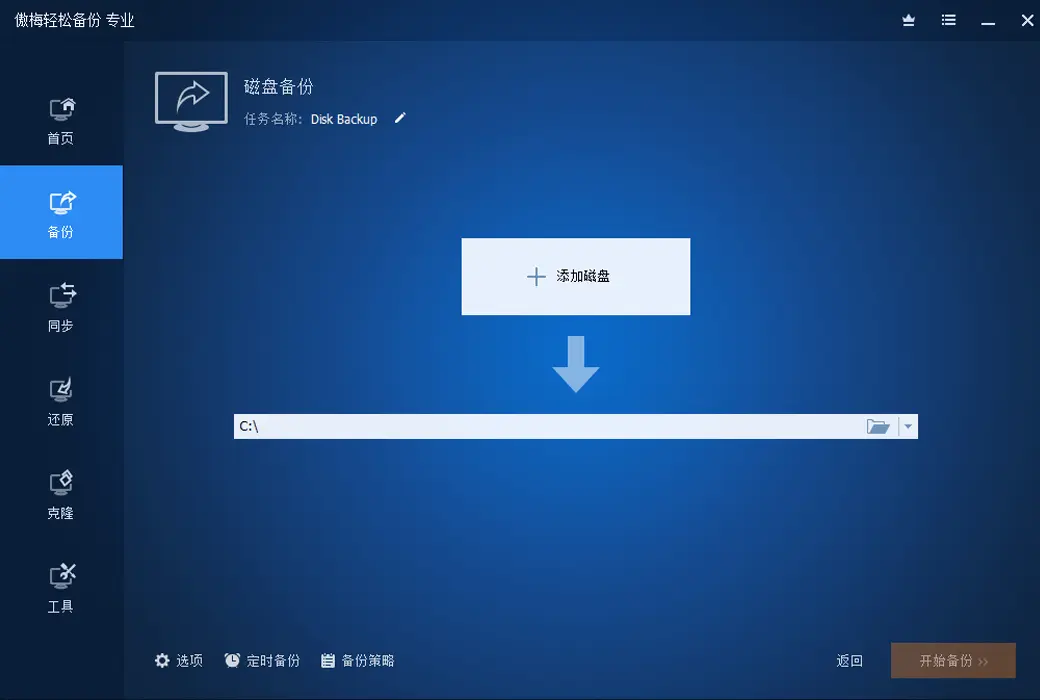
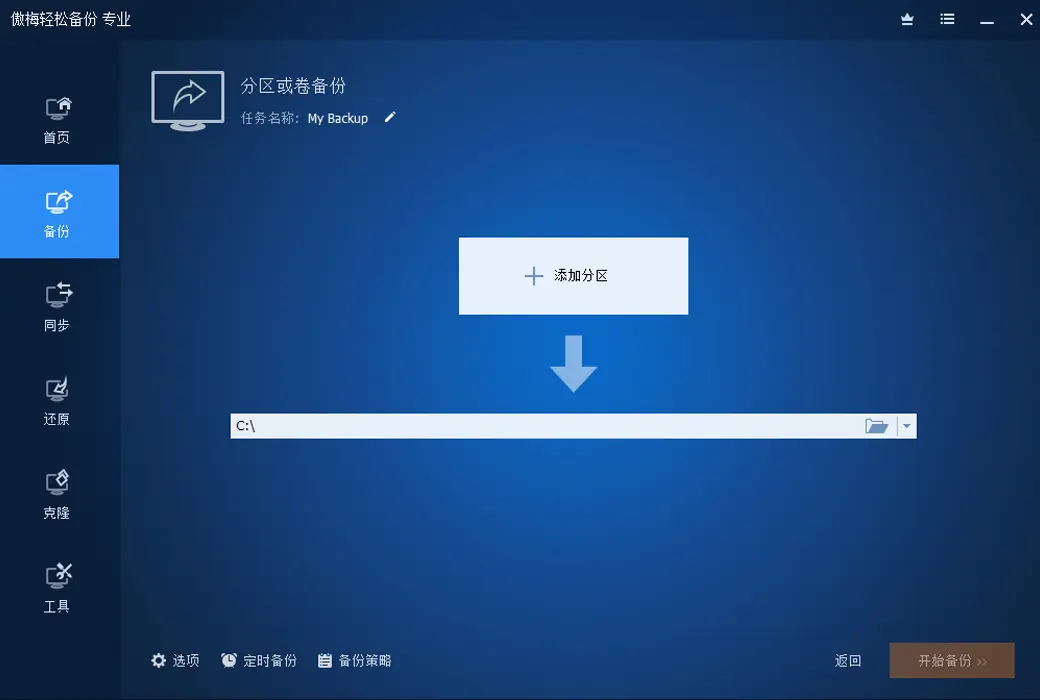
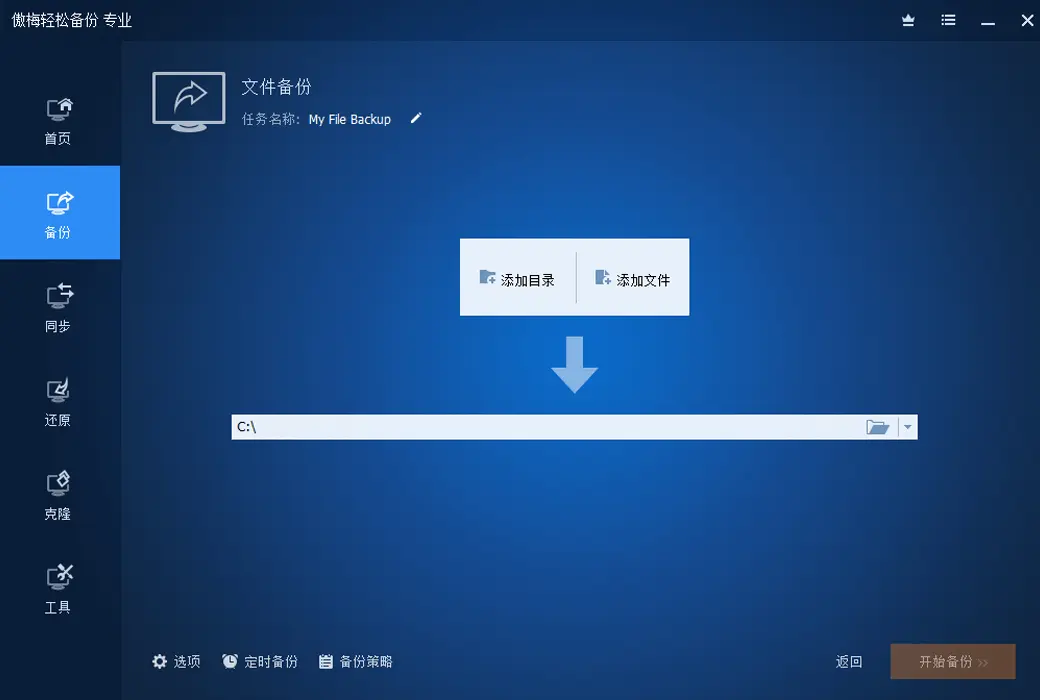
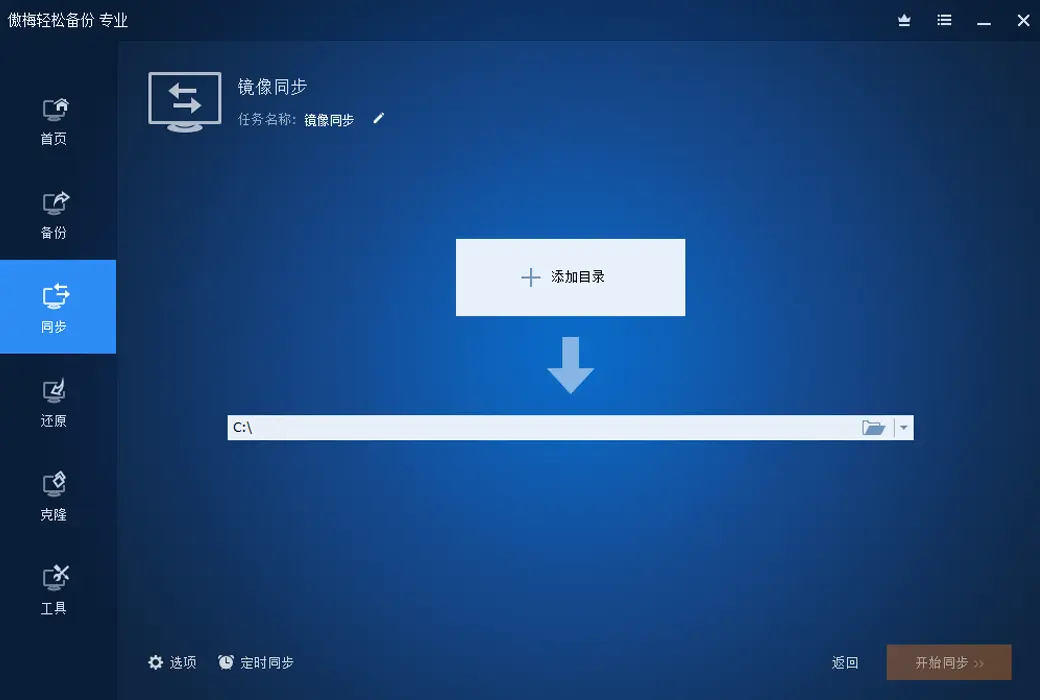
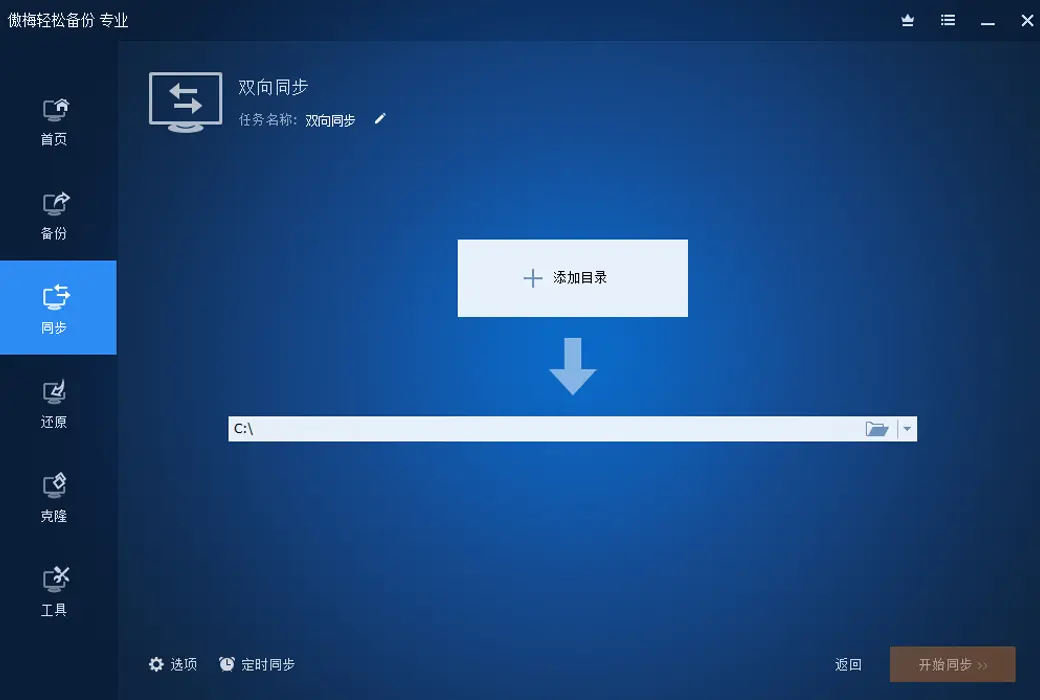
Backup function
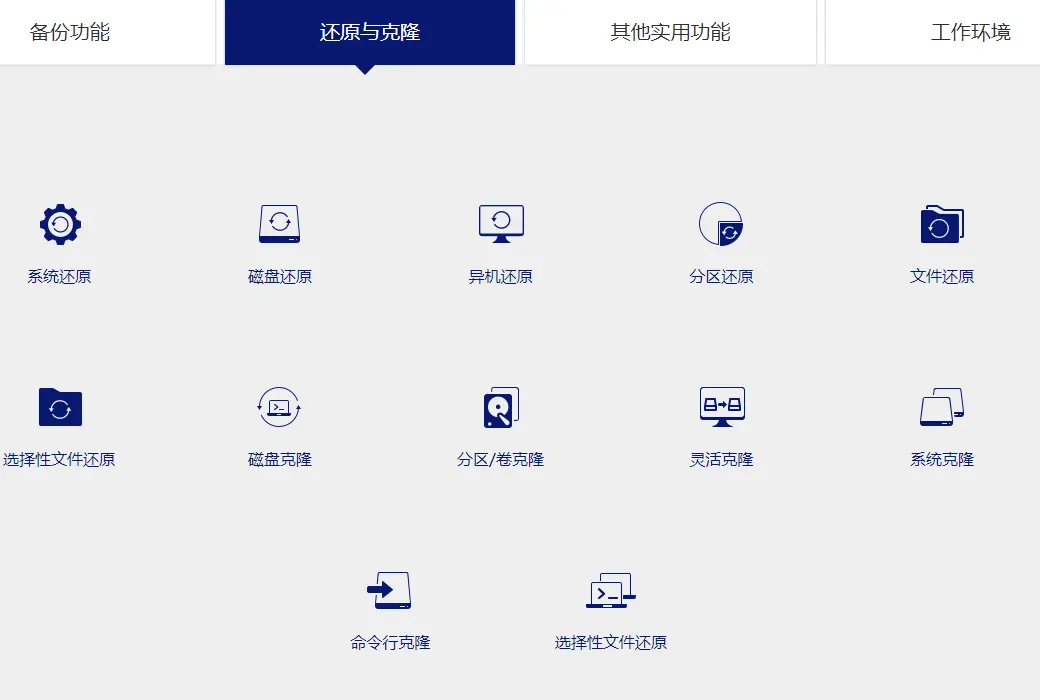
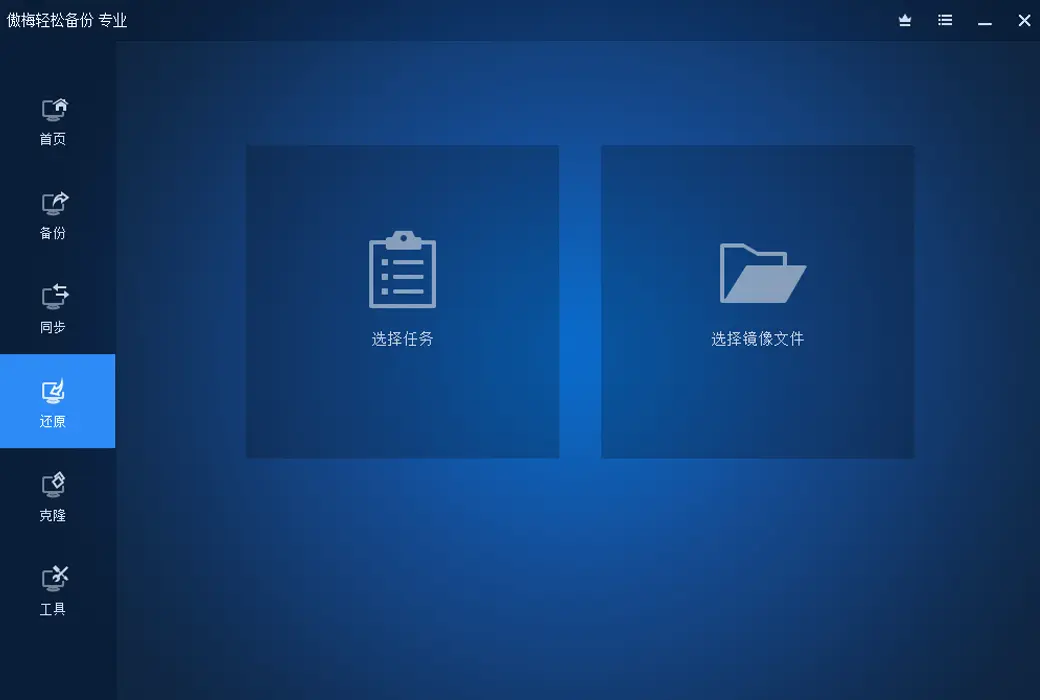
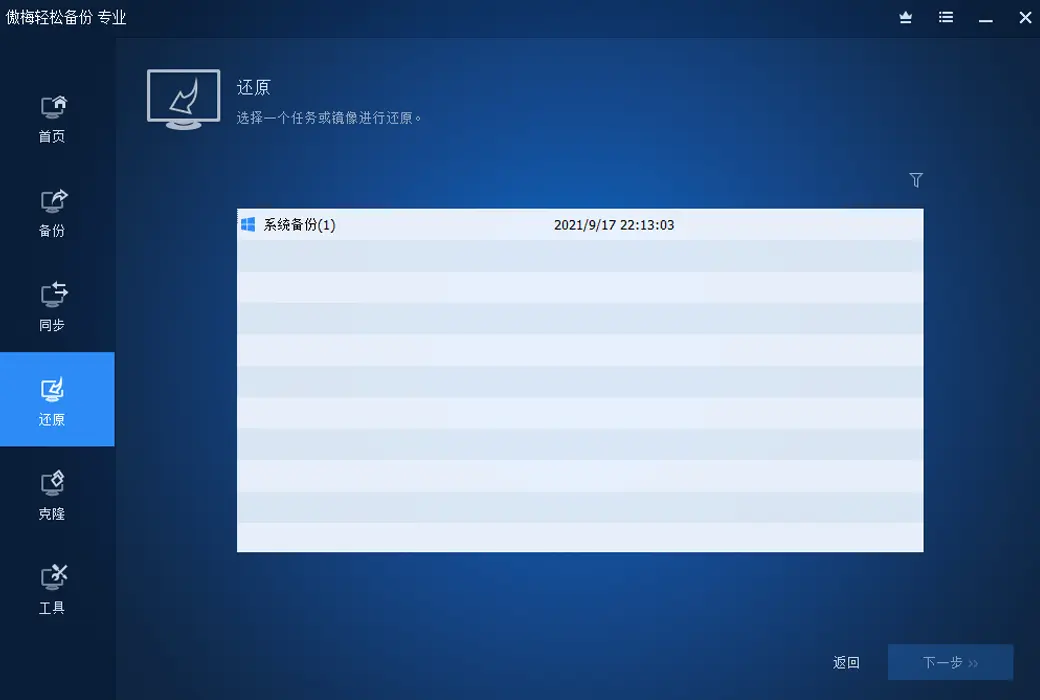
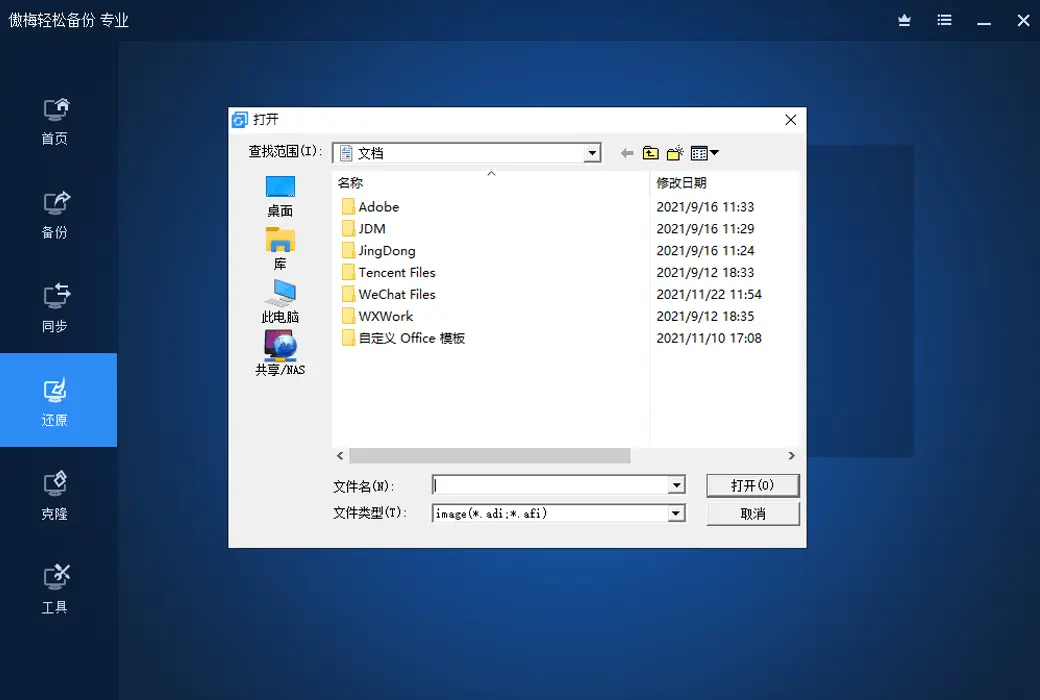
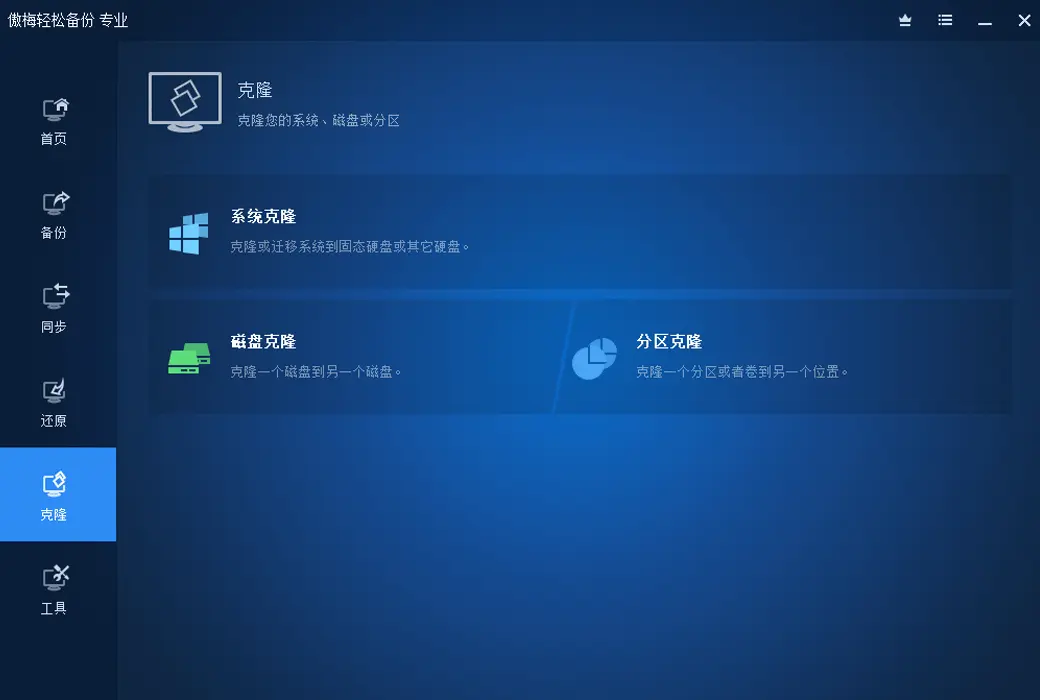
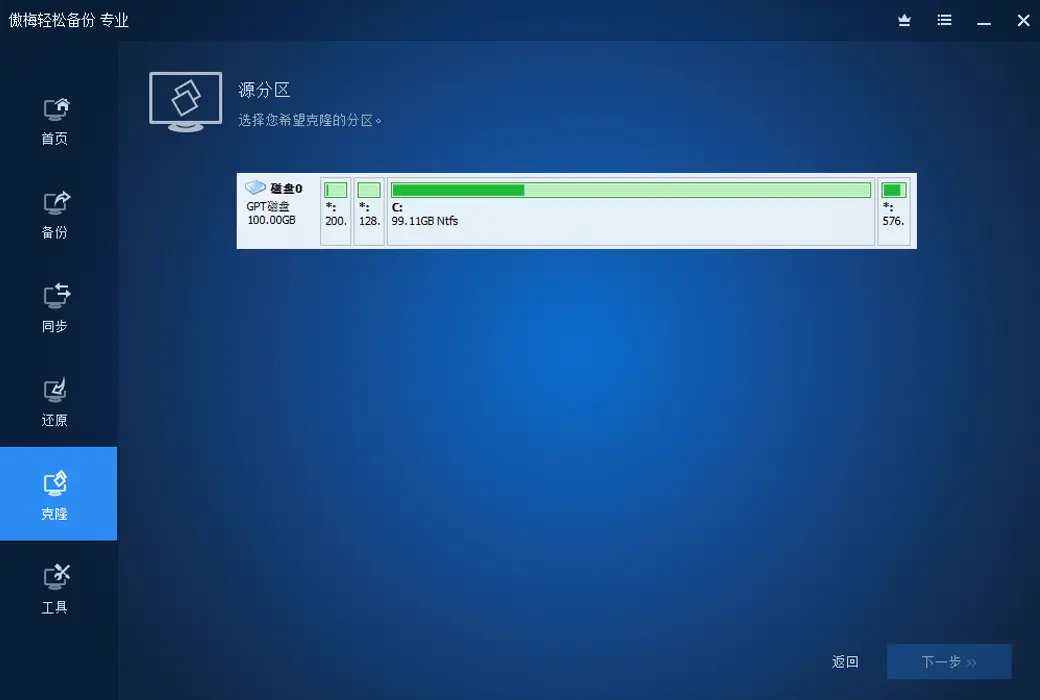
Restore and Clone
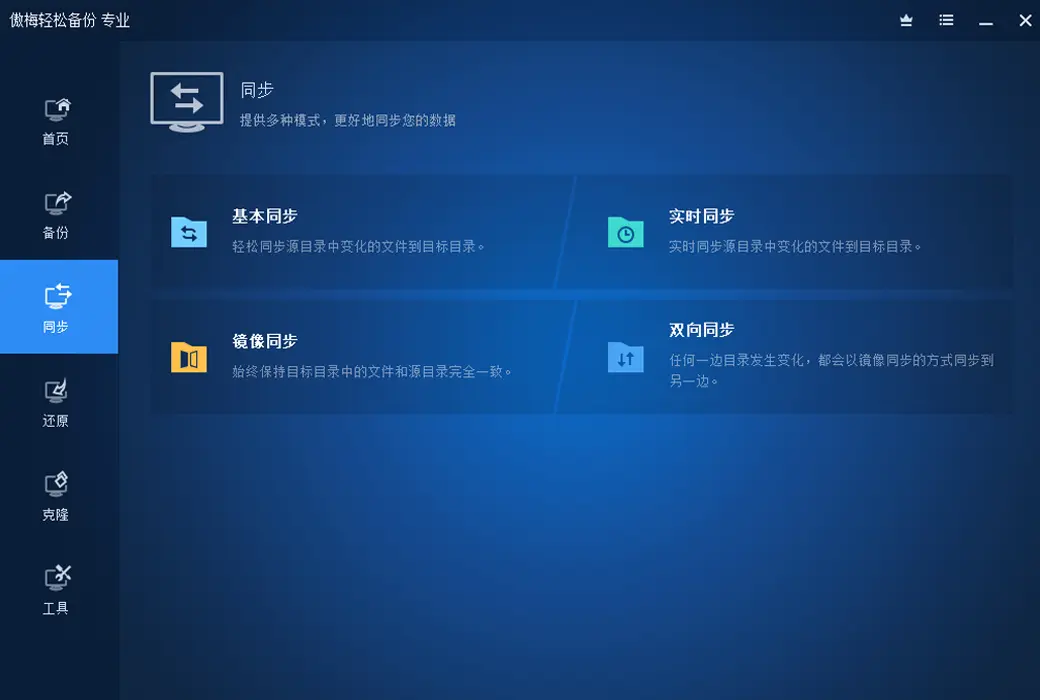
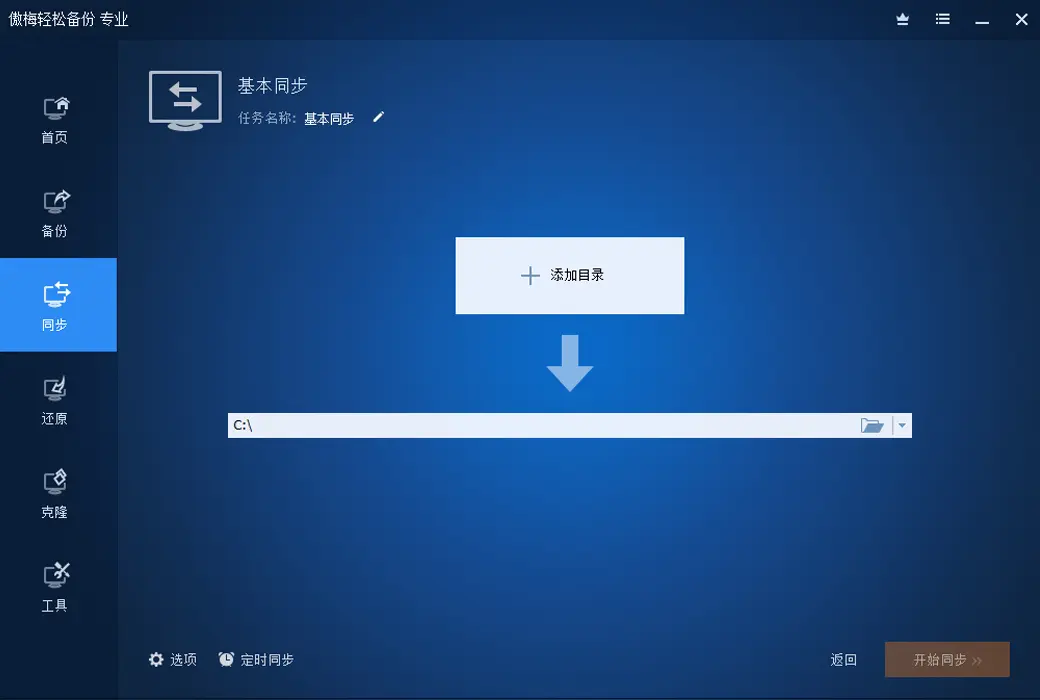
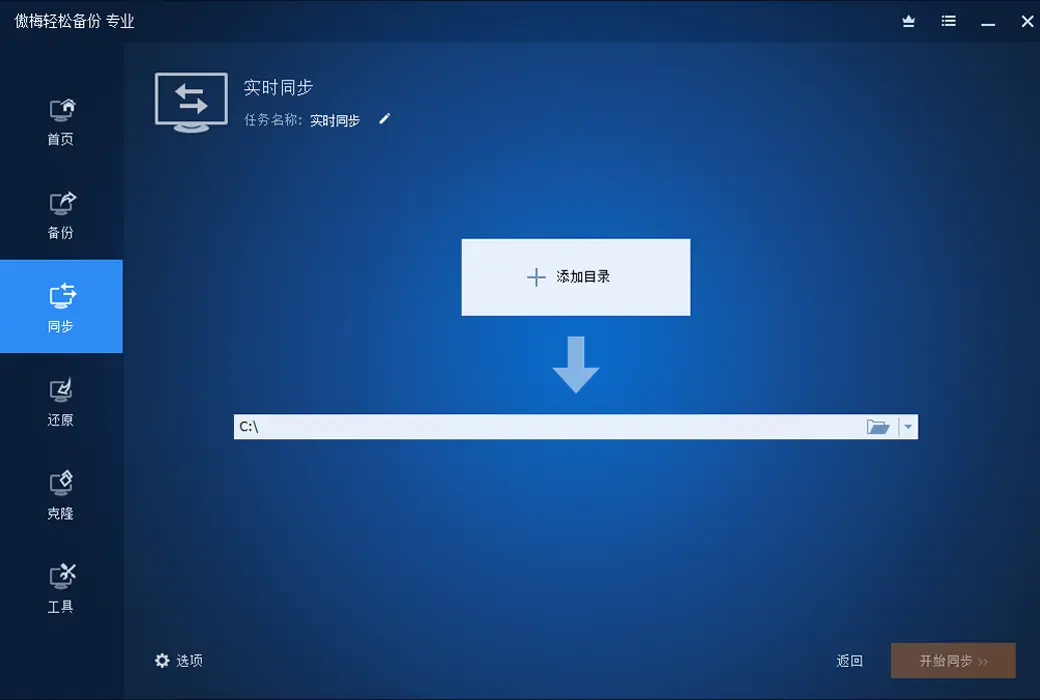
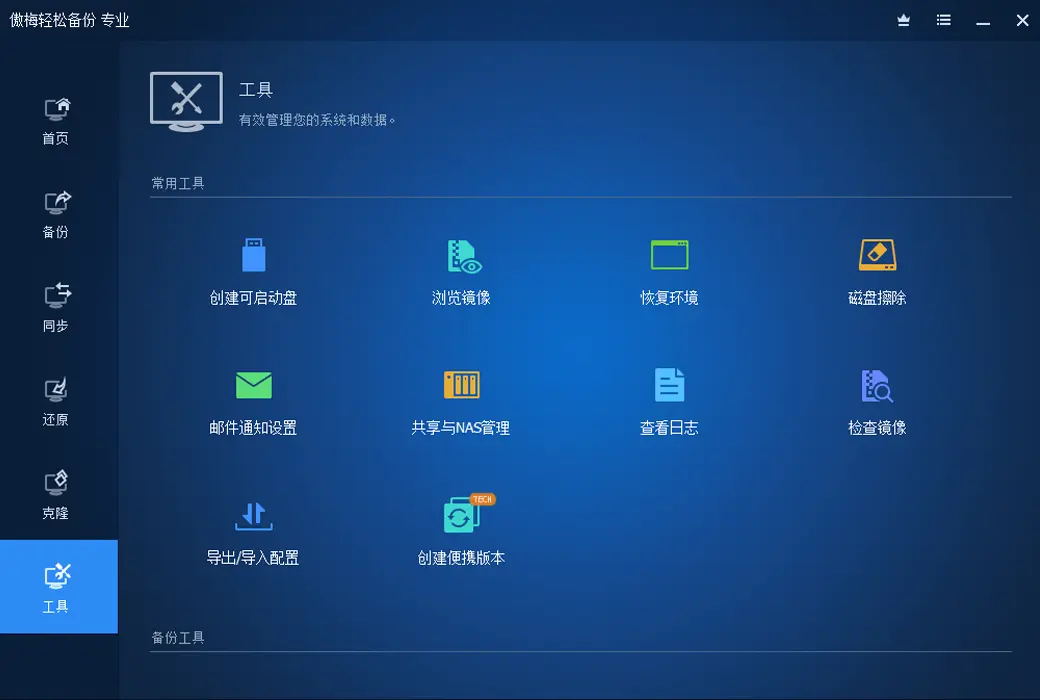
Other practical functions
Official Website:https://www.abackup.com/easy-backup-personal.html
Download Center:https://aomei-backupper.apsgo.cn
Delivery Time: Automatic delivery within 24 hours
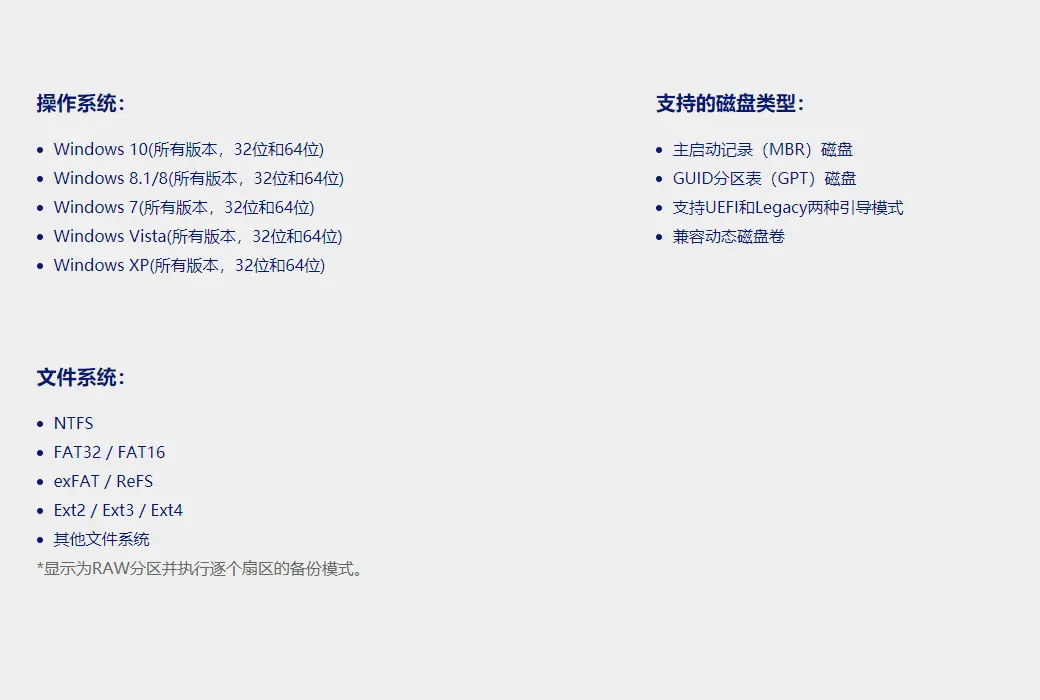
Operating Platform: Windows
Interface Language: Supports Chinese interface display.
Update Instructions: The software manufacturer promises permanent use and free updates.
Trial Before Purchase: A limited free version is available for use before purchase.
How to Receive the Product: After purchase, activation information will be sent to the email used for ordering. You can also view the corresponding product activation code in your personal center, under "My Orders".
Number of Devices Supported: The personal version supports activation on 4 computers for life.
Changing Computers: Cancel activation through your account, and then log in to the new device to activate the software.
Activation Guide: To be added.
Special Instructions: To be added.

Any question

Yes, the user can choose disk cloning.
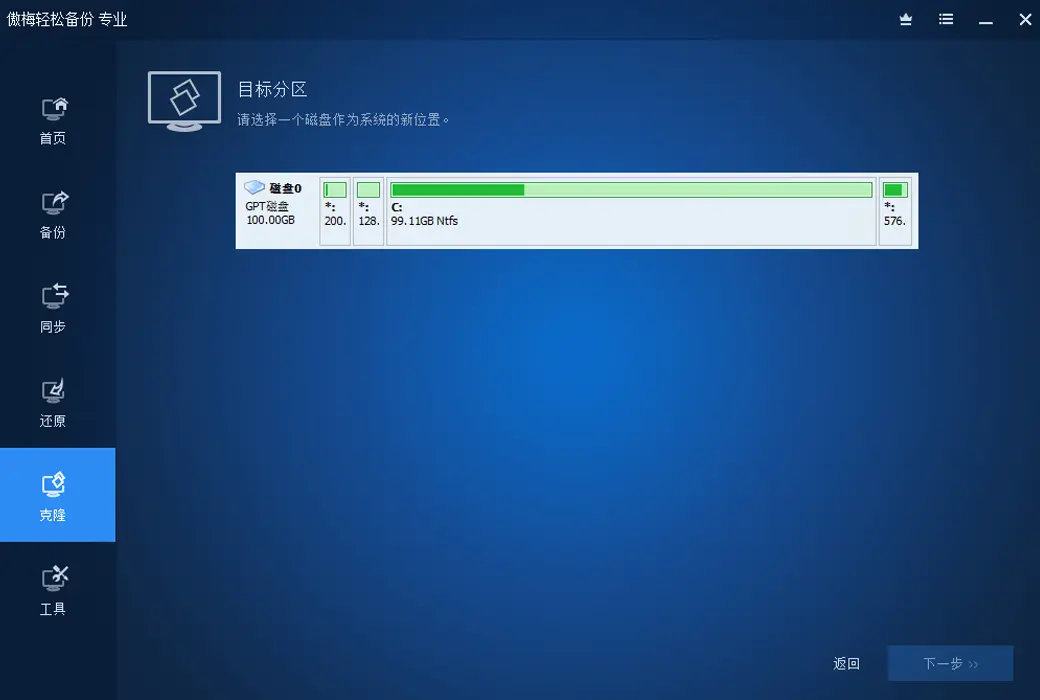
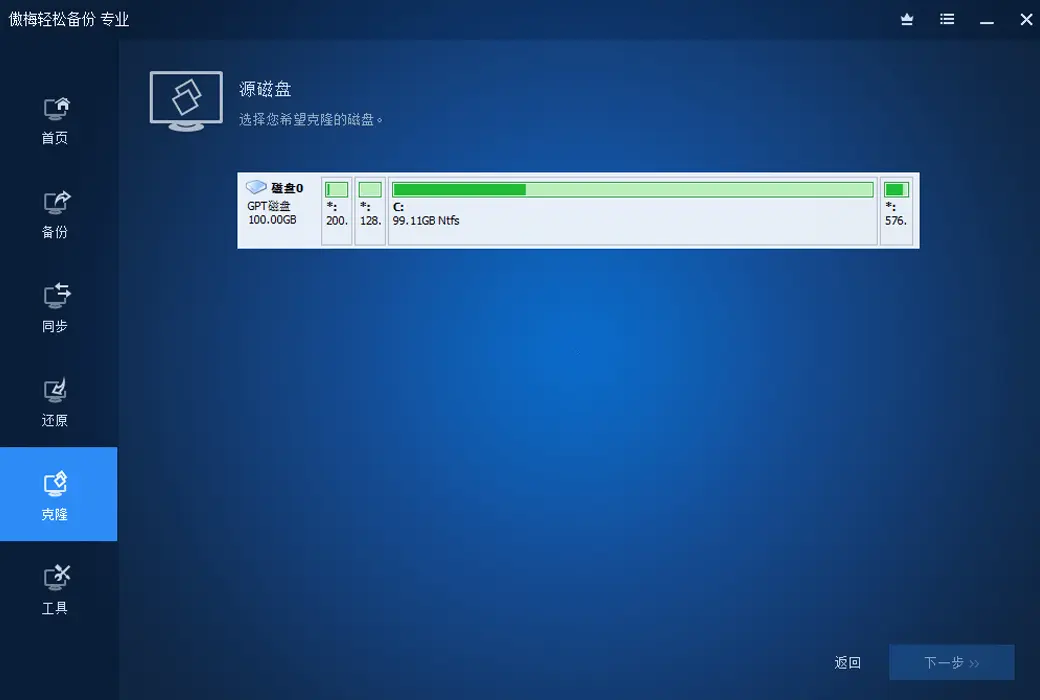
Capacity considerations: When performing "disk cloning", the target disk capacity must be at least greater than the amount of used data on the source disk. If you want to clone from a larger hard drive to a smaller one, make sure the data amount does not exceed the capacity of the new disk.
· Final check before booting: After cloning is complete, shut down the computer and physically replace the hard drive. When restarting, be sure to enter BIOS and set the new hard drive as the first boot option, otherwise the computer may still boot from the old disk.